How to Delete Your Account
Follow these steps to delete your account and all associated data.
-
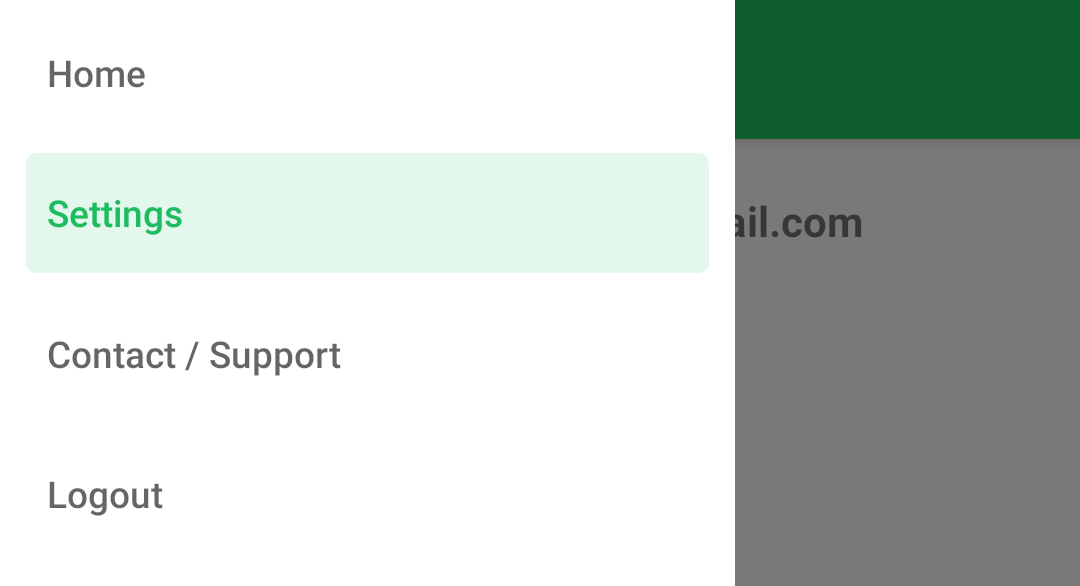
Open the menu — either by dragging from the left edge or pressing the menu icon

-
Go to the Settings screen
-
Press the Delete Account button
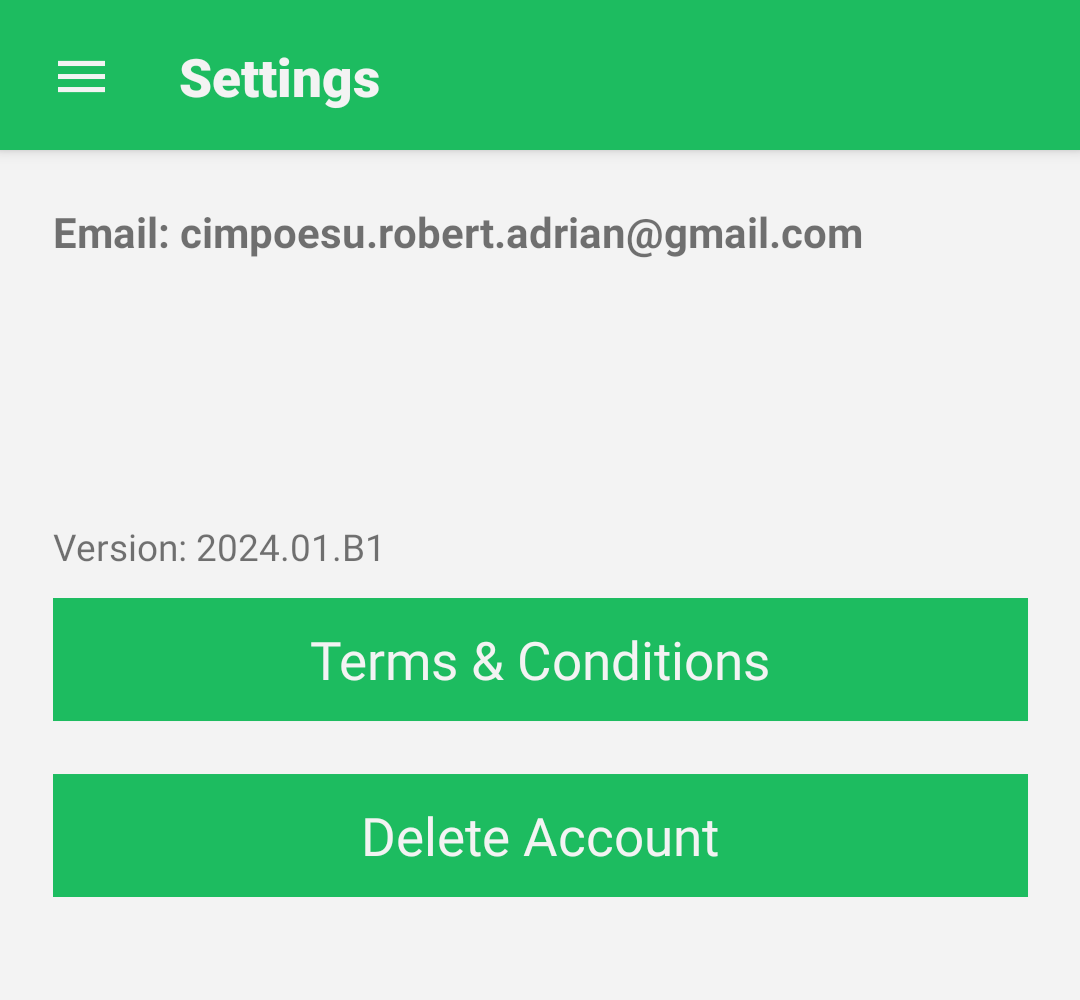
- A confirmation dialog will appear asking if you are sure — press YES to delete all data.
Data that gets deleted
When you delete your account, the following personal data is permanently removed:
- Email address
- First name and last name
- Usage Data
Contact
If you have any questions, reach out at cimpoesu.robert.adrian@gmail.com